Characters & Notes
Character Profiles
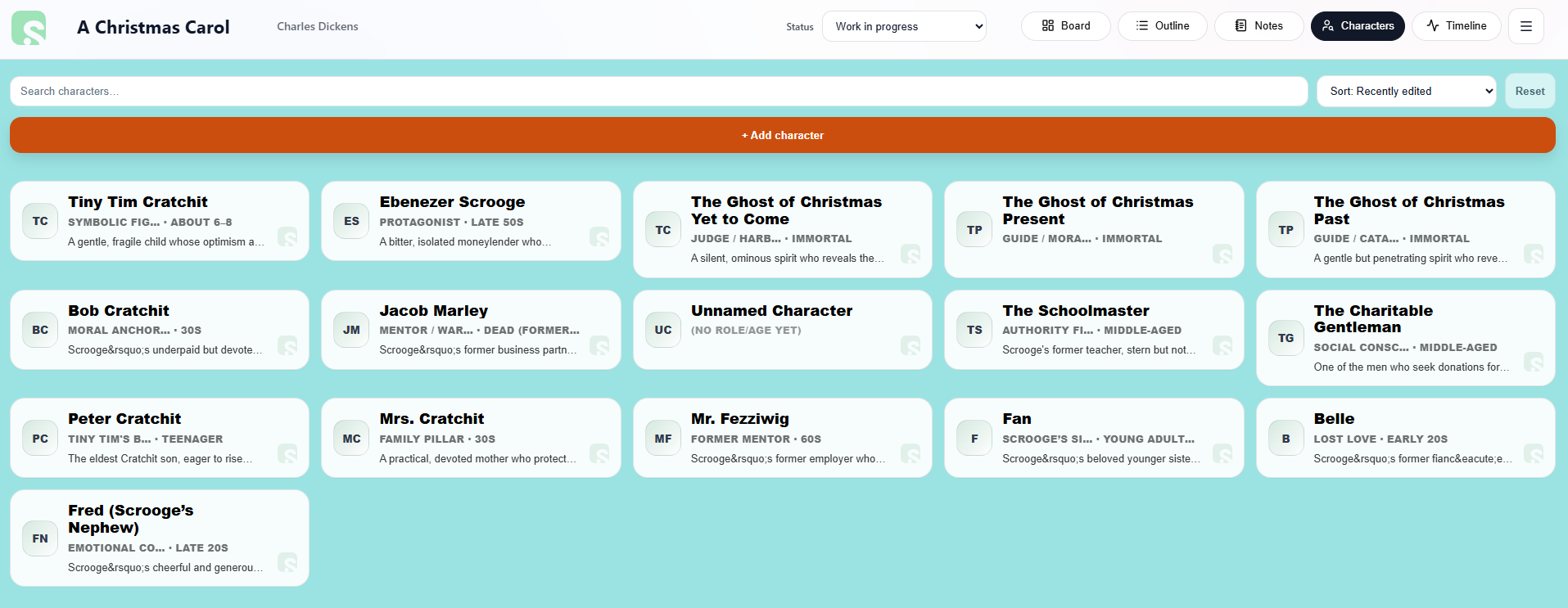
The Characters tab lets you store important information about the people in your story.
Character profiles can include:
• Overview
• Appearance
• Personality
• Backstory
• Motivations and goals
• Inner conflicts or secrets
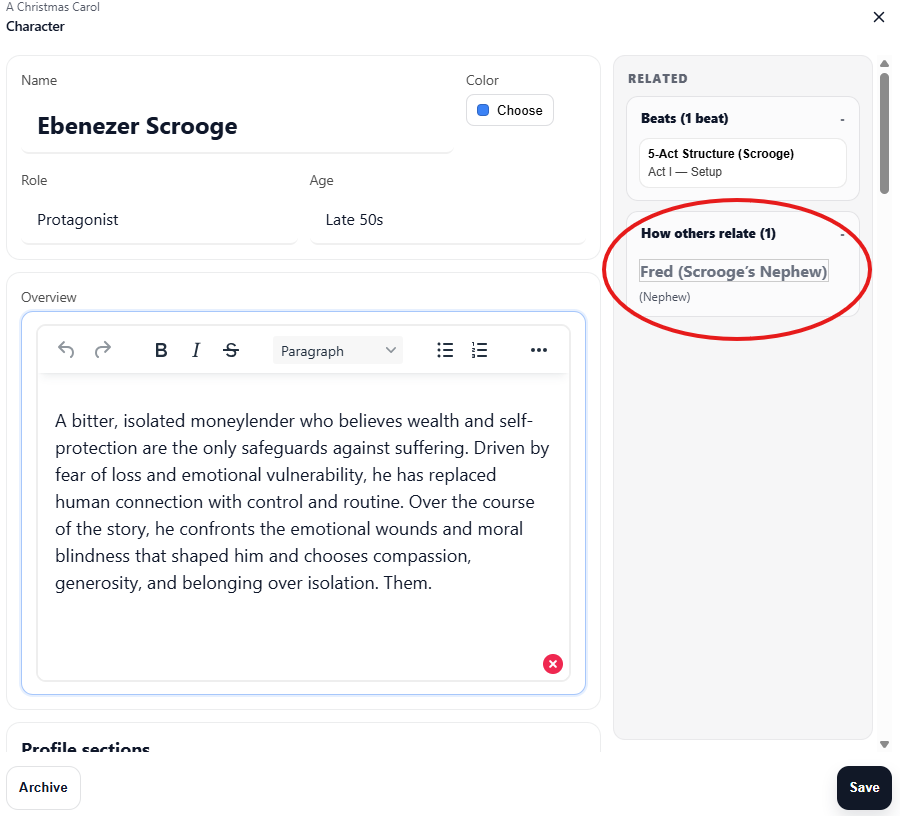
You can also create custom sections to track additional information.
Additionally, Scryla alows you to tag relationships across characters.
In-Project Notes
The Notes tab inside a project allows you to store ideas, reminders, and planning details that relate specifically to that story.
Unlike chapters or scenes, notes are not part of the narrative structure. Instead, they act as a flexible space for planning and reference material.
You might use project notes for:
-
Plot ideas you want to explore later
-
World-building details
-
Reminders about character motivations
-
Questions that need answering in later drafts
-
Research notes related to the story
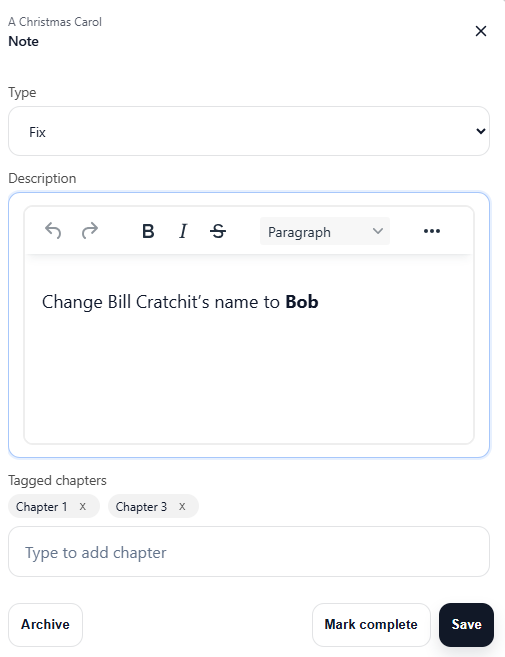
Notes can be added, edited, and reorganized as your project develops.
Because notes belong to the project, they remain available whenever you return to work on that book.
You can choose from the following note types:
-
Reminders
-
Research
-
Ideas
- To-Dos
- Questions
- Fixes
Your Personal Notebook
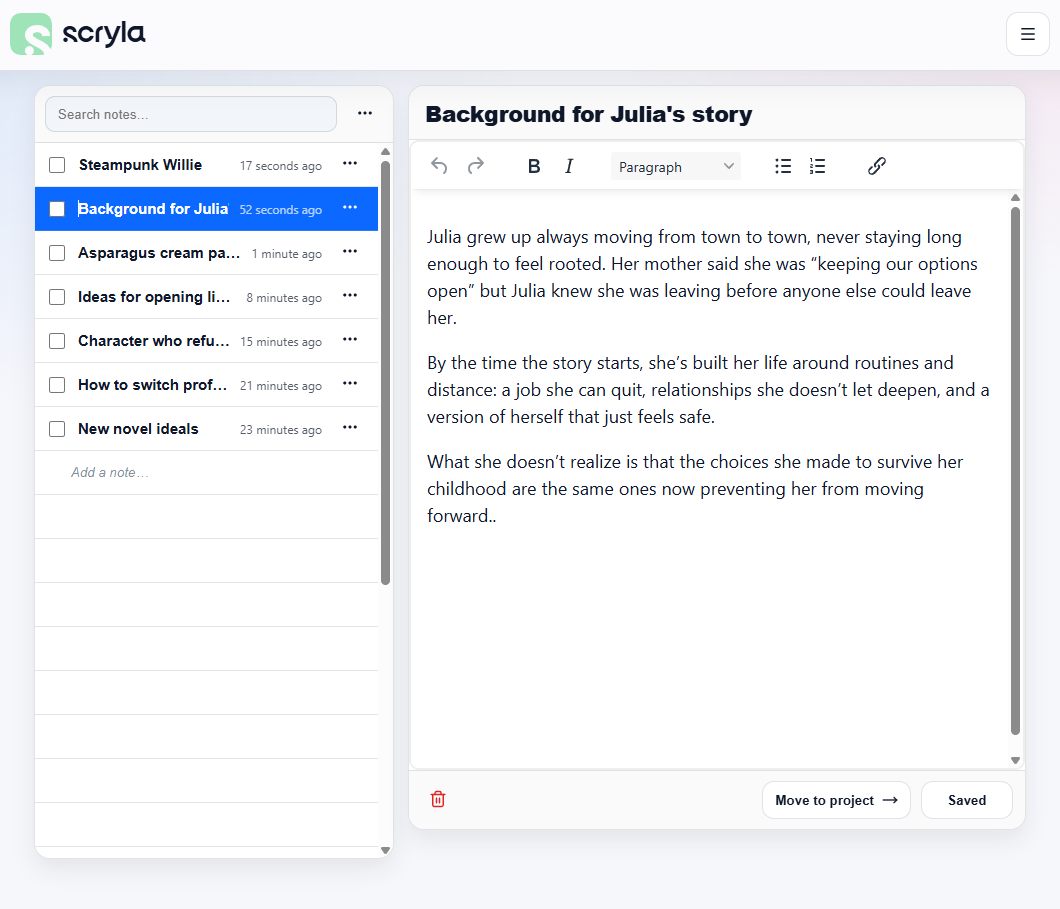
The Notebook is a workspace for ideas that are not tied to any specific project.
It acts as a central place to capture thoughts, story ideas, research notes, or fragments of inspiration before you decide where they belong.
Many writers use the Notebook to store:
-
New story ideas
-
Character concepts
-
World-building notes
-
Research material
-
Plot ideas that may become future projects
Notes stored in the Notebook can later be moved to a new or existing Project when you have the need to use them.
This allows you to keep your creative ideas organized without needing to immediately create a full project structure.