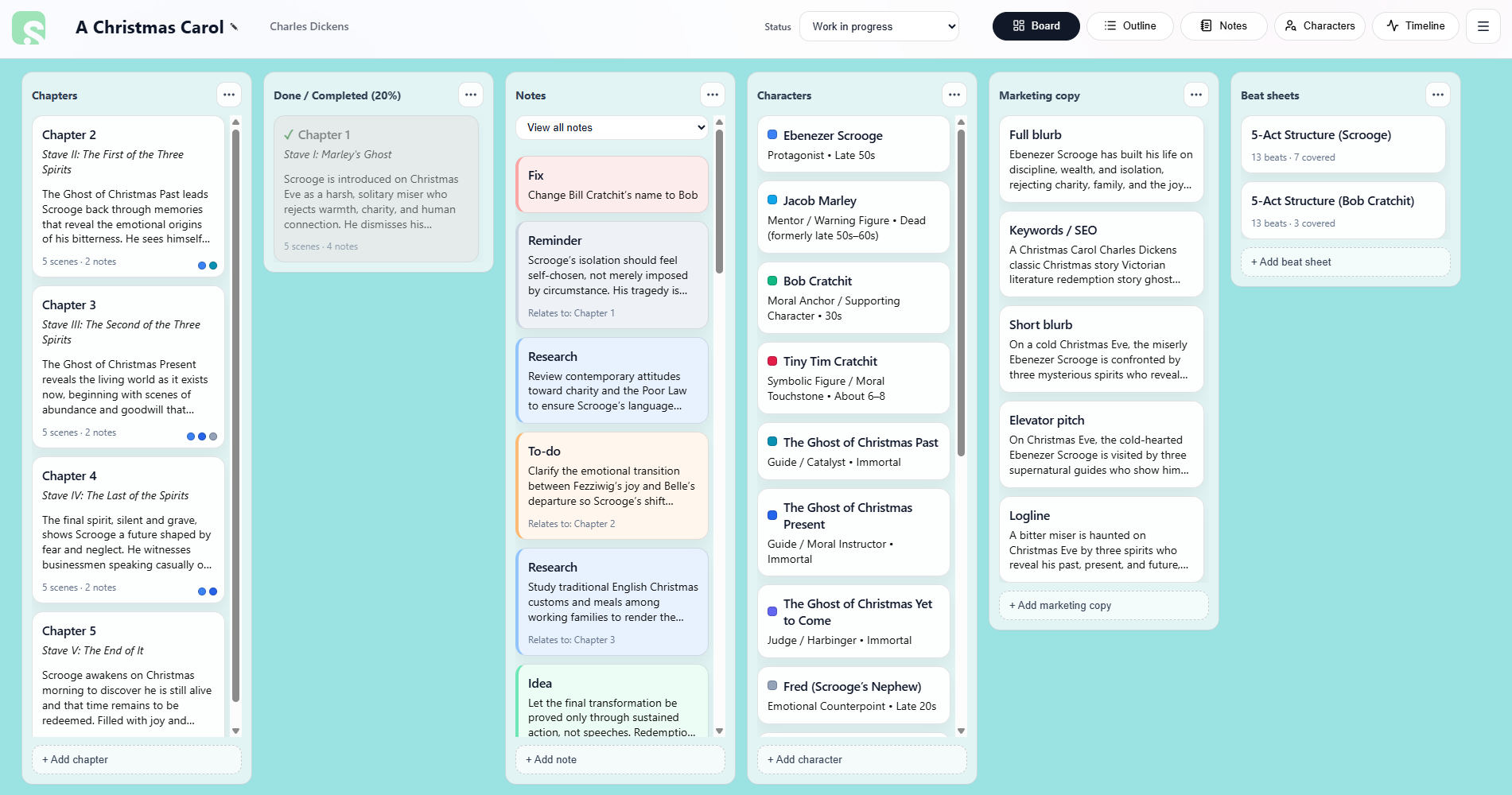
Understanding the Board View
The Board View is the main workspace in Scryla.
Each column represents a different type of planning element, such as:
• Chapters
• Scenes
• Notes
• Characters
• Beat sheets
• Marketing copy
You can drag and reorder items within each column to keep your project organised as your story evolves.
Cards can be archived instead of deleted, allowing you to keep alternate ideas without losing them.
Note: If you do wish to delete a card, you must archive it first. Scryla protects against accidental deletion so that you never lose something you later need access to. Cards can sit safely in your archive, or you can permanently delete them.