
Creating Your First Project
A project in Scryla represents a single book, novella, or writing project.
To create one:
-
Click New Project on your dashboard.
-
Enter a project title.
-
(Optional) Add series information if the book belongs to a series.
-
Choose a board background colour if you wish.
Once created, your project opens to the Board View, where you can begin adding chapters, scenes, notes, characters, and more.
Projects can be archived safely if you want to hide them from your dashboard without deleting them.
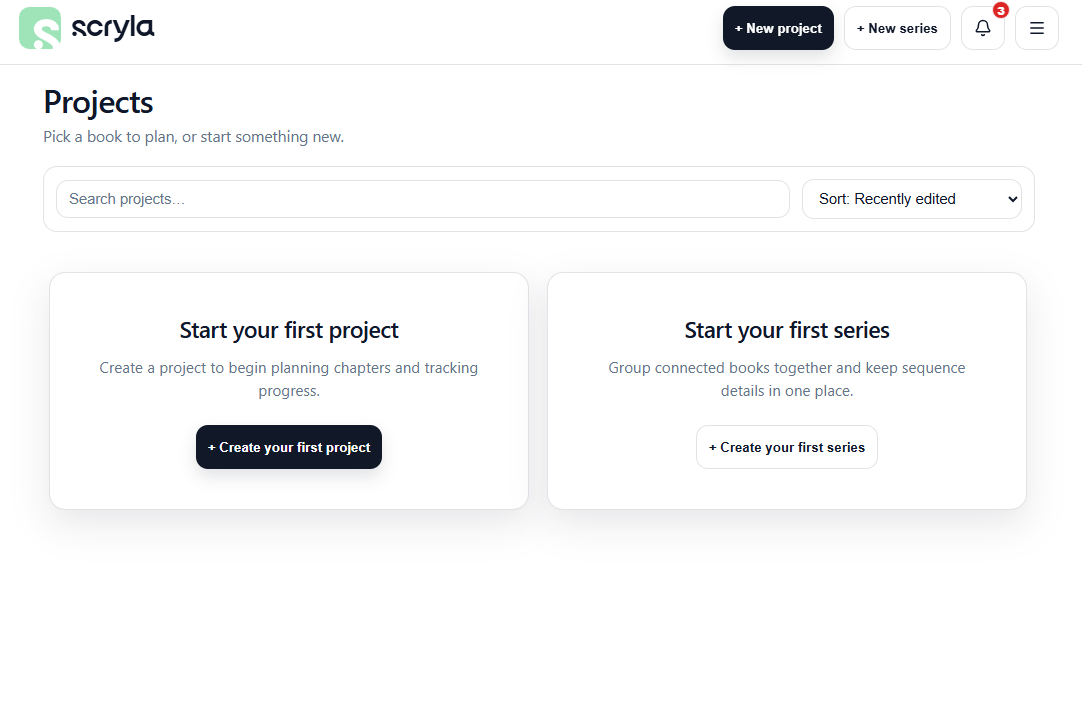
Watch the video below for a full rundown of creating your first project, or head back to the main Documentation page for more guides.