
Exporting to DOCX
When you’re ready to review your structure offline or share it with collaborators, you can export your outline.
Scryla generates a clean DOCX document containing:
• Chapter titles
• Chapter overviews
• Scene descriptions
This makes it easy to send your story outline to editors or import it into drafting tools.
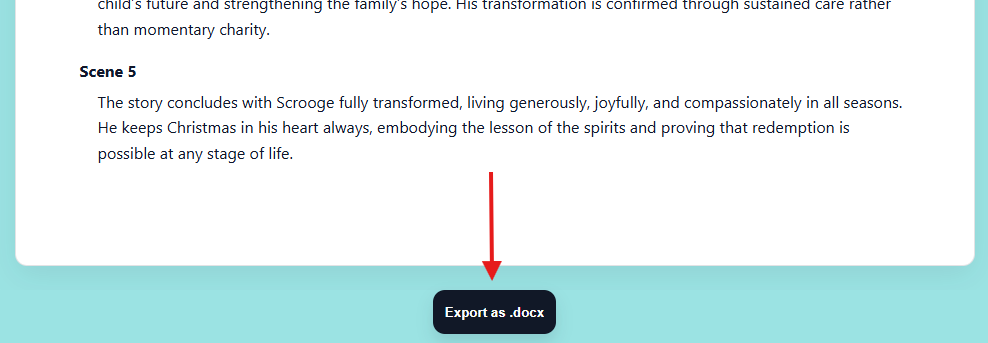
Simply click the Export as .docx button from the Outline view to download your complete outline.